Welcome to
ColoringBookPages!
Installation complete! Get ready to explore endless coloring pages for kids and adults—quickly and easily.
How to use
Simple steps guide you to the perfect coloring page—ready to print.
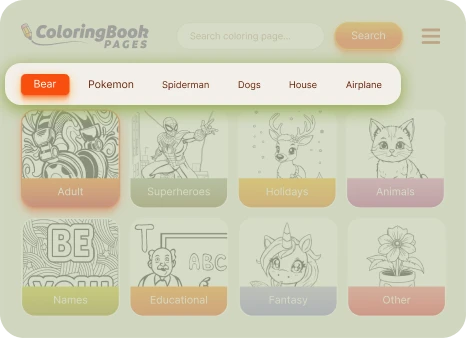
Find Your Favorite Coloring Pages
Discover endless themes to color and enjoy! Choose your favorite category and start coloring your world today.
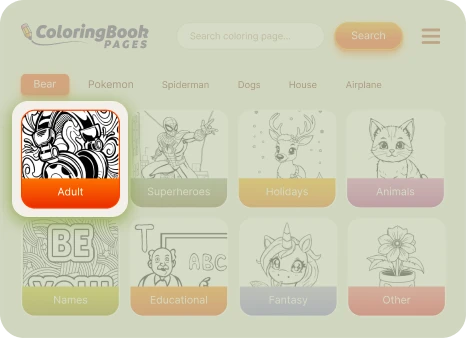
Find drawings by category
Discover hundreds of coloring pages by theme—animals, superheroes, cartoons, nature, and more. Find the perfect drawing to relax and enjoy!
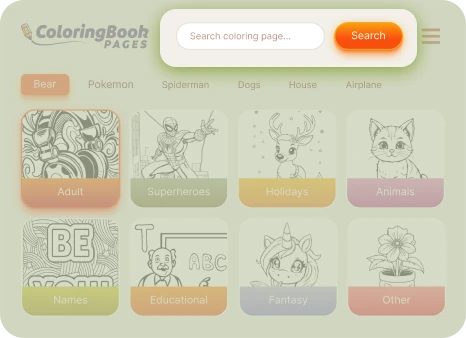
Search coloring pages
Type what you love — bears, dogs, princesses, cars, or Pokemon — and find fun coloring pages made just for you!
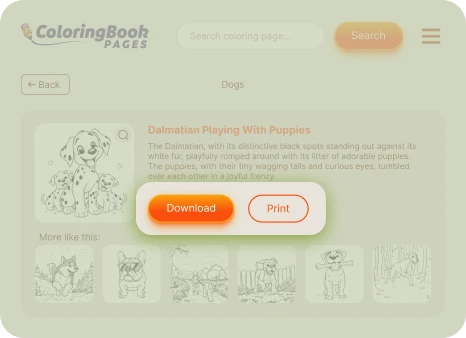
Print or Download your coloring page
You’ve found a coloring page you love! Choose whether to download it for later or print it right away. Get your colors ready and start creating your masterpiece.
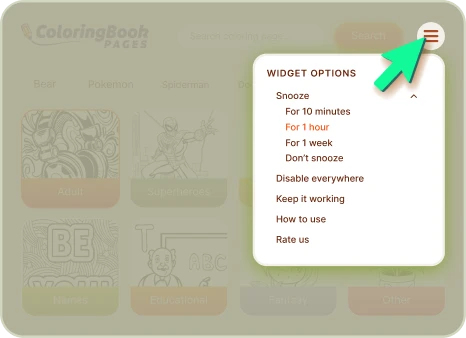
Widget options
Click on the menu icon to explore additional options. Discover more ways to personalize your coloring experience!
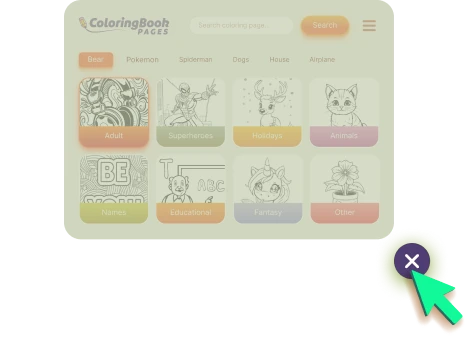
Close the widget
When you're done using extension, close the widget by clicking the 'X' icon.
How it works
Learn how to access, restore, or disable the widget and manage sponsored content.
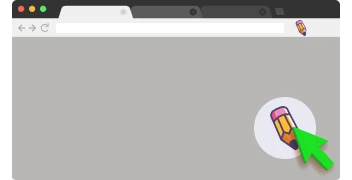
Opening the widget
Get started with ColoringBookPages in just one click!
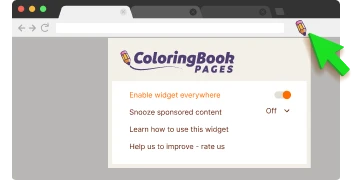
Reactivate the widget
Click on the ColoringBookPages icon located at the top right of your browser. Select "Enable widget everywhere" from the menu that appears.
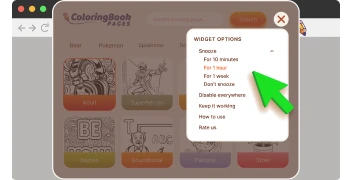
Disable the widget
To hide the extension button from the page, click on the settings icon to access more options.
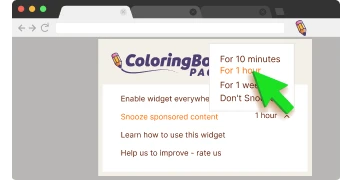
Disabling sponsored content
To turn off sponsored content, click “Snooze sponsored content” and choose a duration.